Gemini small business hub: what to check before you connect
Google gave Gemini a page for small business owners with links to Business Profile, Shopify and Xero. Four checks come first, starting with who can read your chats.
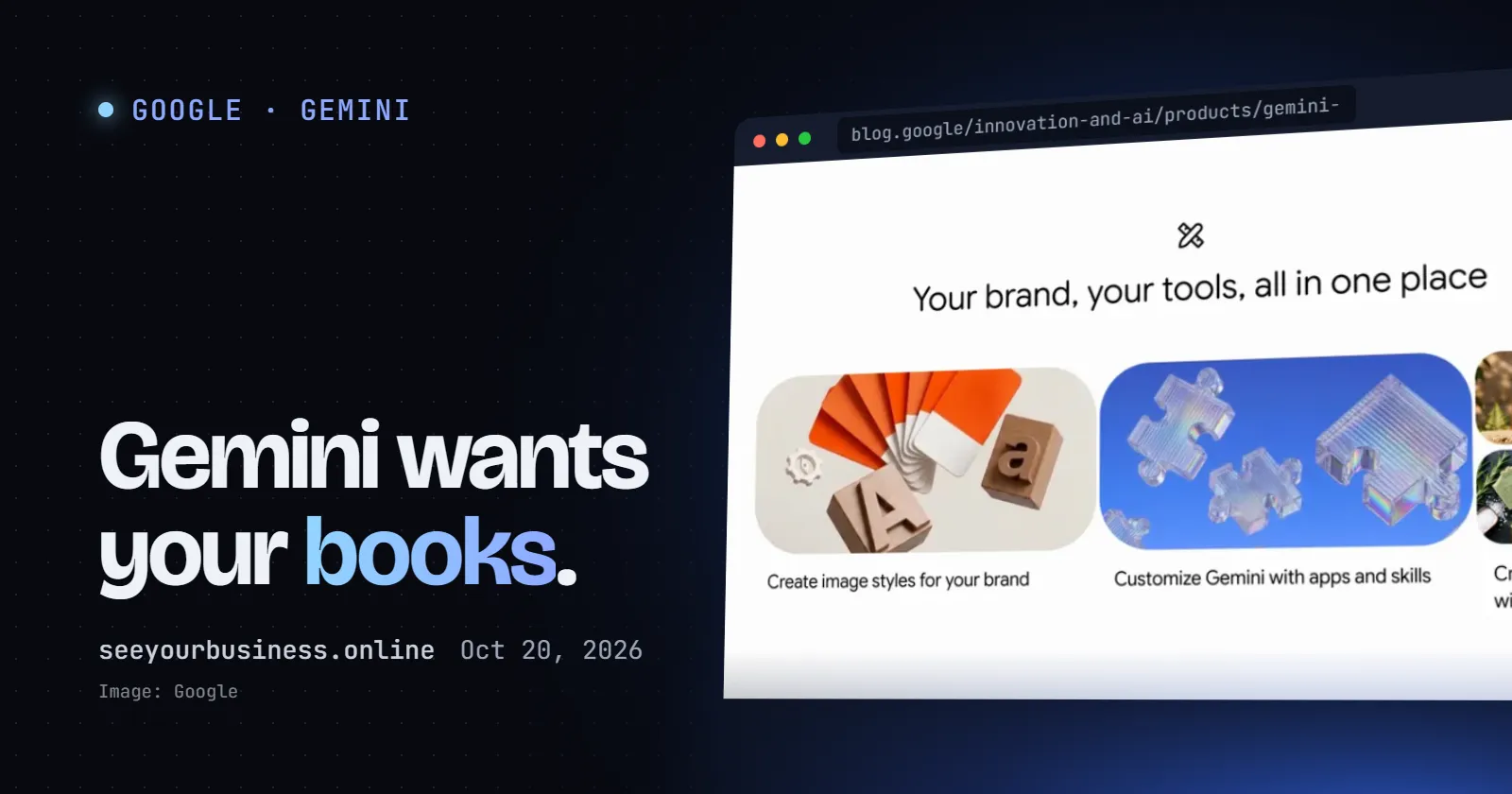
It is 9 p.m. and you are closing out the month at the kitchen table. On Tuesday, Google announced a Gemini page for small business owners that ties into Google Business Profile, Google Ads, Shopify, Xero and other apps, so one chat can read your numbers and draft your posts. That saves time. It also means a chatbot may see your books and your customer list, so learn the rules before you click Connect.
What Gemini's new business page connects to
Google's announcement describes a central hub inside Gemini where owners can build their brand, review finances and customer insights, and manage daily tasks. Gemini can connect to Google Business Profile, Google Ads and Google Workspace, plus Adobe, Canva, Dropbox, Shopify, Wix, Zoho and Xero, according to Google's post. It says Gemini can turn spreadsheets, receipts and purchase records into charts and models in seconds.
Google says the page and the new connections start rolling out "in the coming days" for all Gemini app users, so you may not see them yet. The post gives no price. The owner stories in it are Google's own, and the time savings in them are not independently checked.
Say you run a bakery. Orders sit in Shopify, invoices in Xero, customer emails in Gmail. Connecting all three is tempting, because that is exactly the busywork you want gone. The cost shows up later, when you cannot say who or what has seen those records.
Is it safe to connect my business accounts to Google Gemini?
Google does not call it unsafe, and neither do we. But the rules are not the ones most people assume, and they sit on a different page from the announcement.
Google's Gemini privacy hub, updated this month, says a subset of chats is reviewed by human reviewers, including trained service providers. The chats are disconnected from your Google Account first. Reviewed chats are kept for up to three years, and deleting your activity does not delete them.
A setting called Keep Activity decides much of this. With it on, your chats are saved, used to improve Google's services and used to train its AI models, and they auto-delete after 18 months unless you change that. With it off, future chats are not saved to your activity or used for training, unless you send feedback. Temporary chats are kept for 72 hours and are not used to train the models, according to the same privacy hub.
Connected apps follow the same notice. Google's help page says disconnecting an app does not delete your Gemini activity. The Business Profile connection has its own condition: Gemini cannot connect to your profile with Keep Activity off, and it needs a personal Google Account, not a work or school one, according to Google's Business Profile help.
Your customers have a stake here too. In a February 2026 survey of 5,119 U.S. adults, Pew Research Center found that 71% expect more AI use to make their personal information less secure.
A short plan before you connect anything
None of this needs a developer. Do it in order, and stop wherever the answer is no.
Start with what the chat needs, not what it can reach. Marketing help needs your Business Profile and maybe your ad account. It does not need your customer list or your invoices. Connect the smallest set that does the job and add more later.
Next, choose your Keep Activity setting on purpose. Leave it on if you want the Business Profile link, and accept that chats may be reviewed. Turn it off, or use temporary chats, when you paste anything sensitive. Never paste customer names, card details or health or legal details into a chat, whatever the setting.
Then connect one app at a time and write down what you connected, the date and why. Because disconnecting does not erase earlier activity, that note is your only record of what Gemini has seen.
Finally, read your own promises. If your privacy policy tells customers you do not share their data with outside tools, a new chatbot may break that promise. A January 2024 FTC post said that companies must honor their privacy and confidentiality commitments, and that quietly changing terms can be unfair or deceptive. That guidance targets AI companies, but a small business is wise to follow the same logic.
If you want the busywork gone without handing a chatbot the keys, that is the kind of business automation we build: your tools pass data to each other under rules you set.
What Google has not said yet
The announcement does not say whether the new Shopify, Xero or Wix connections follow the same Keep Activity rules as the Business Profile link. We could not find that stated. It also does not say what the finance features do with receipts and spreadsheets beyond the general privacy notice.
The privacy hub explains chats and connected apps in general terms. Whether your business data is treated differently inside the new page is something Google has to answer, and until it does, assume the general rules apply. Larger companies are pointed to Gemini Enterprise, which has admin controls and different terms, so this advice is for owners using the regular Gemini app.
How it looks when you set it up on purpose
Picture the same night at the kitchen table. You connect your Business Profile, ask Gemini to summarize this month's reviews and draft three replies, and you are done in ten minutes. Your invoices stay in Xero, and your customer list never enters a chat. In your notes there is one line: what you connected, and when. That scene is an illustration, not a result from a real business.
Our read is that these hubs will keep adding connections, and each new one will ask the same question: is the time saved worth what the tool can see. We would bet the owners who answer it once, in writing, will spend less time later cleaning up. If you would rather not build that setup alone, it is the work See Your Business does for small businesses.
Sources
- New Gemini tools for small business owners, Google, 2026-10-20
- Gemini Apps Privacy Hub, Google, 2026-10-19
- About personalization with Connected Apps, Google, 2026-10-21
- Manage your Business Profile on Google with the Gemini web app, Google, 2026-10-21
- AI Companies: Uphold Your Privacy and Confidentiality Commitments, FTC, 2024-01-09
- Americans and AI 2026: Chatbots, Smart Devices and Views on Impact, Pew Research Center, 2026-06-17
Book a strategy call
Answer 3 quick questions so we come prepared. No essays.
You talk to the people who build it.
A 20-minute call. We look at your current site, tell you what we would change and what it should bring back.
Get the next post by email
One email per new post. No spam.