When to replace spreadsheets in a small business: three signs it's time
A spreadsheet is the right tool until several people edit it at once, facts repeat across tabs, or a wrong cell costs money. Here is how to tell.
Say you run a small flooring company. On Monday morning your office manager updates the job sheet on her desktop while your crew lead updates a copy on his phone. By noon, you have two versions of the truth. The short answer to when to replace spreadsheets: when several people need to edit the same sheet at once, when the same facts repeat across tabs, or when a wrong cell costs you money. Until then, a spreadsheet is the right tool.
What a broken spreadsheet costs
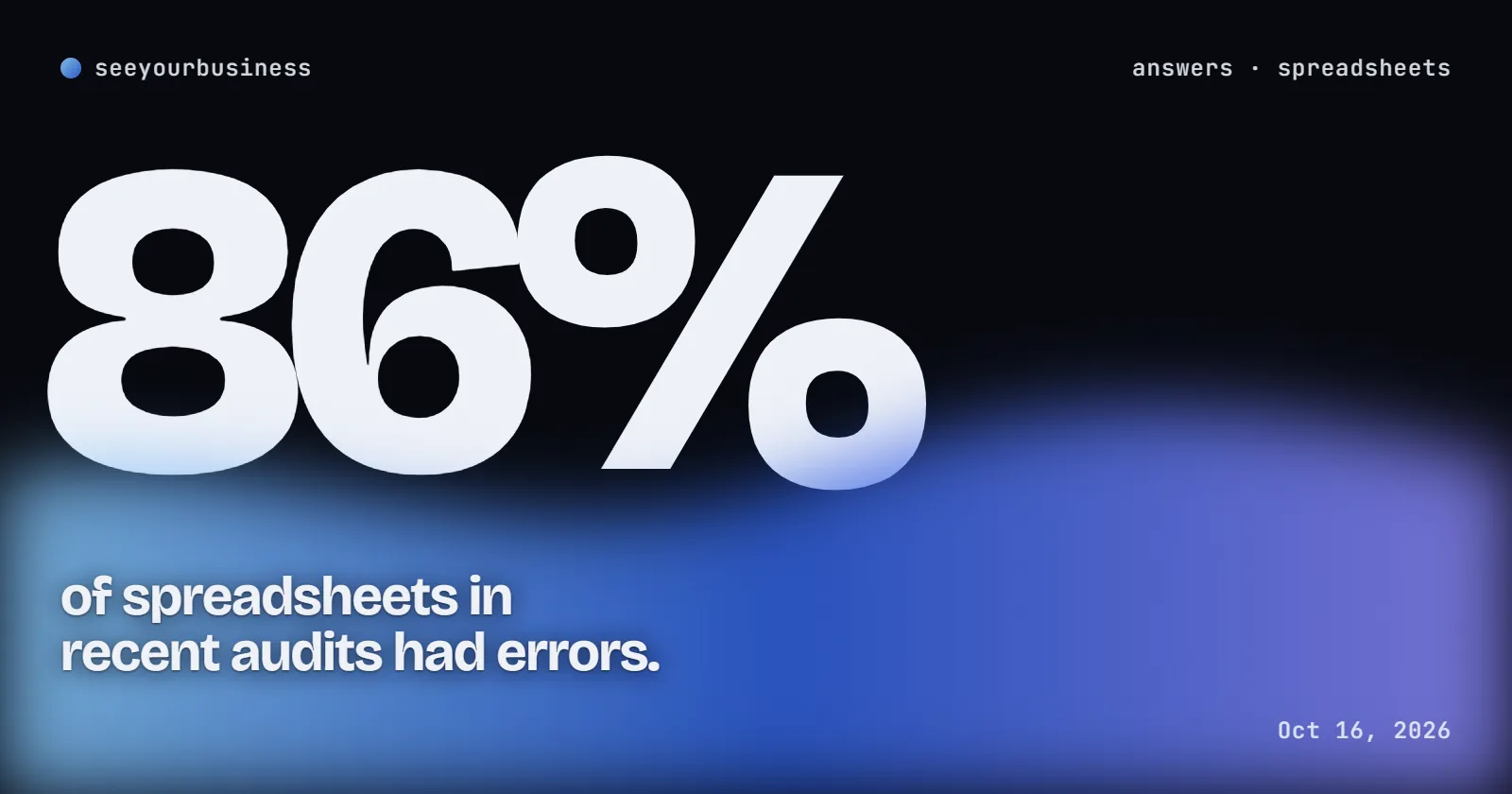
Spreadsheets feel safe because they are familiar. The research says they are less safe than they feel. In a 2000 paper that researcher Raymond Panko posted to arXiv in 2008, he gathered seven field audits of real company spreadsheets. Across them, errors turned up in 24% of the 367 spreadsheets checked. The most recent audits, which used better methods, found errors in at least 86% of the spreadsheets they examined.
The same paper reports lab experiments in which about a thousand people built spreadsheets from word problems with known answers. Of those spreadsheets, 51% contained errors, even though most were only 25 to 50 cells in size. Panko's reasoning is simple: unless the error rate is close to one in every ten thousand cells, most large spreadsheets are likely to contain an error.
For a small business, an error is not an abstract number. It is a quote with a wrong price, an invoice you never sent, or a stock count that says you have flooring you do not have. You find out when a customer calls, which is the worst time to find out.
When should a small business replace spreadsheets?
Replace a spreadsheet when it has outgrown the job it was built for: more than one person must change it at the same time, the same facts repeat in several places, or a wrong number costs real money. If none of those is true, keep it and move on.
Microsoft's own guidance backs the first two signs. Its page on choosing between Access and Excel says Excel handles multi-user work better when people take turns. On a shared network folder, only one person can edit at a time while the others view. Its database tool, Access, locks only the record being edited, so two people can work on different jobs without colliding.
The second sign is repeated facts. Microsoft says Excel suits a single flat table, like a simple customer list. When one customer has several addresses or several jobs, the data belongs in linked tables, where a unique ID ties each record to the right customer and blocks orphan records. If you retype a customer's address on three tabs, one of them will go stale.
The third sign is the cost of being wrong. In the same Panko paper, the only technique shown to work was cell-by-cell inspection, which is slow and rarely happens on a busy week. Software that checks entries as people type does that job for you.
One thing is not a sign: size. A single Excel worksheet holds 1,048,576 rows, far more than most small businesses will ever enter. Sheets rarely fail by running out of rows. They fail because too many people and too many tabs depend on them.
A plan that starts before any new software
You can do most of this alone, in an afternoon, with the tools you have now.
- List every spreadsheet that more than one person touches, and who edits each one.
- Pick the one where a wrong number hurts most. For many shops that is the quote sheet, the order log, or the invoice tracker.
- Clean up the structure: one tab per kind of thing (customers, jobs, invoices), one row per item, and a unique ID on every row. Add data validation to the cells people type into, which Microsoft says controls what can be entered.
- Live with the cleaned-up sheet for a month. If two people still collide, or you still retype the same facts, that sheet has earned a replacement.
Microsoft's suggestion at that point is to move the data into Access, and it says you can do that when a worksheet grows too large or needs many users. Our read is narrower: Access runs on Windows desktops and comes only with certain Microsoft 365 plans, so a crew working from phones may be better served by a small web app. That means one shared screen for jobs, built around how your team already works, with an export to Excel when someone wants one. It is the kind of custom web app we build, and you should replace one sheet at a time, not the whole office in one go.
What the research does not tell you
Panko's audits are from 2000 and earlier, and they covered company spreadsheets, not small shops. We found no recent, representative study that measures spreadsheet errors in small businesses, and none that says at what size a switch pays off. An error rate in the paper does not mean your sheet is wrong, only that it is worth checking.
Microsoft's page is guidance from a company that sells both tools, and it has no data behind it. We also have no sourced figure for what a replacement costs, so we will not guess one. Our bet is that the switch point is not size or age. It is the first week two people need the same sheet at the same moment.
How the week looks after the sheet is gone
Picture the same Monday. The crew lead marks a job done on his phone, and the office manager sees it on her screen without a phone call or a second copy. The invoice for that job is ready to send before the truck is back. That is an illustration, not a result from a real business.
If you would rather not build that yourself, it is the work See Your Business does: portals, dashboards, and internal tools built around the way your team already works, instead of another spreadsheet.
Sources
- Using Access or Excel to manage your data, Microsoft, 2026-10-16
- Spreadsheet Errors: What We Know. What We Think We Can Do, arXiv, 2008-02-23
- Excel specifications and limits, Microsoft, 2026-10-16
Book a strategy call
Answer 3 quick questions so we come prepared. No essays.
You talk to the people who build it.
A 20-minute call. We look at your current site, tell you what we would change and what it should bring back.
Get the next post by email
One email per new post. No spam.