Shopify Protect: what the new chargeback tools cover for small stores
Shopify announced Shopify Protect on October 28, with tools to block risky orders and fight chargebacks. What it covers, what is not live yet and what to do now.
Say you run a small candle shop on Shopify. A customer writes that her box never arrived, and a week later her bank pulls the money back out of your payout. On October 28, 2026, Shopify announced Shopify Protect, a set of fraud and dispute tools in the store admin that aims to block risky orders and fight these claims for you, according to its Fall '26 Edition page. Here is what it covers and what it does not.
Does Shopify protect my store from chargebacks and fraud?
Partly. Shopify Protect blocks some risky orders and helps you answer disputes, but you still pay when you lose one, and some features are not live yet.
A chargeback happens when a cardholder's bank reverses a payment after the customer disputes it. Shopify's help center says the bank takes the disputed amount from you right away and also charges a chargeback fee. With Shopify Payments, the amount comes out of your next available payout. If you win, you get the money back, though whether the fee is refunded depends on your country. Shopify also says it is not liable for chargebacks on its platform.
So for the candle shop, one lost dispute means a candle that is gone, no payment for it and a fee on top.
The Fall '26 Edition page lists what Shopify Protect adds. It says Shopify blocks high-risk orders before payment is authorized at checkout, attaches carrier proof of delivery to disputes when a customer says an order did not arrive, and writes an AI-generated response to each chargeback that fits the customer's bank and the reason code. It also lets you write your own fraud rules and test them against past orders. Practical Ecommerce's November 4 roundup describes it the same way: risk and dispute tools in the admin that help stop fraud at checkout and fight chargebacks automatically.
Why small stores lose these disputes
Most chargebacks come down to two claims. Either the customer says the order never arrived, or says they never made the purchase. In both cases the bank decides, not the store and not Shopify, and it decides on evidence.
That is where a small store loses. Nobody has time to dig up tracking pages, delivery photos and card data for a small order, so the dispute goes unanswered and the bank sides with the cardholder.
Shopify says Protect does the digging. For purchases the customer says they did not make, the Edition page says Shopify provides the card, receipt and authentication data that shows the customer made the purchase. Shopify also says it can spot the same card or address being used at different Shopify stores, so a fraudster who hit one store can be turned away at the next, as Vanessa Lee, Shopify's VP of product, explained. Think of it as a shop owner who shares a list of known troublemakers with every other shop on the street.
What to do before and after an order
You can use most of this today, with or without the new tools.
First, look at the risk level before you ship. Shopify's fraud analysis flags orders as low, medium or high risk, and its help page warns that shipping high-risk orders without a review can lead to chargebacks and even removal from Shopify Payments. Hold the high-risk ones and email the buyer to confirm the address.
Second, keep proof of delivery for every order. Ship with tracking, and save the tracking number and the delivery confirmation. If you do not use Shopify Shipping, you will need to attach this yourself when a customer says the box never came.
Third, answer every dispute, and do it before the deadline. A bank that sees no evidence has nothing to weigh. Even a short reply with the order, the tracking and the delivery date is better than silence.
Fourth, check what your own setup covers. Shopify's help page says that for eligible businesses using Shopify Payments in the United States, its fraud protection can cover the payment on orders classified as protected and handle the chargeback process. If you use another payment provider, that promise may not reach you, so read the terms in your admin.
Fraud checks and dispute paperwork are the kind of daily store work that eats hours. Cutting that kind of work is what our e-commerce service is for, but the four steps above need no developer.
What Shopify has not said yet
Several details are still open. Shopify marks the Protect features as rolling out soon on its Edition page, and it lists extended chargeback protection for orders that do not use Shop Pay as coming soon. So the full set is not live for every store today.
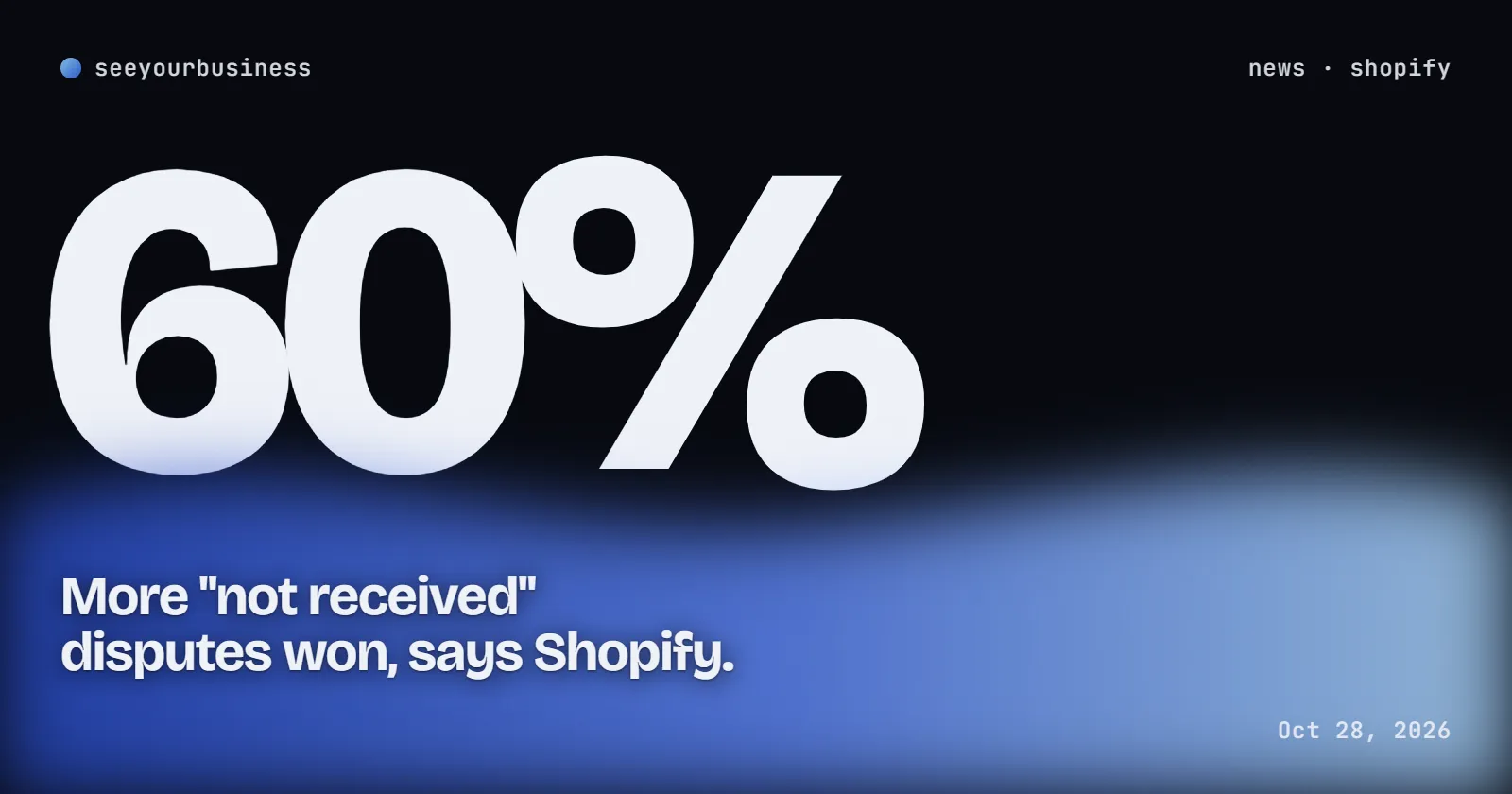
The Edition page also claims that merchants won 60% more "product not received" disputes with Shopify Protect. That is Shopify's own figure. It does not say what the starting rate was, how many stores were measured or over what period, so treat it as a promise, not a result you can count on.
We also did not find a price for the Shopify Protect app in the pages we read, so check the app listing before you rely on it. And the cross-store fraud detection works only as far as Shopify's network sees the buyer. A new fraudster with a clean history can still get through.
What it looks like when it works
Picture the candle shop a month from now. Risky orders wait for a quick check before they ship. When a customer claims the box never came, the tracking and the delivery proof are already attached. The payout arrives without a surprise line for a lost dispute.
Our read is that tools like these will take much of the paperwork off small stores, but the evidence still starts with your habits: tracked shipping, clear product pages and a refund policy customers can find. If you would rather have someone set up the store, checkout and shipping flow so that this works from the first order, that is what See Your Business does. And if you are still tuning your shipping rules, our post on free shipping for a small online store is a good next read.
Sources
- Fall '26 Edition, Shopify, 2026-10-28
- What makes Shopify more than software: Fall '26 Edition, Shopify, 2026-10-28
- Chargebacks and inquiries, Shopify Help Center, 2026-11-04
- Protecting orders from fraud, Shopify Help Center, 2026-11-04
- New Ecommerce Tools: November 4, 2026, Practical Ecommerce, 2026-11-04
Book a strategy call
Answer 3 quick questions so we come prepared. No essays.
You talk to the people who build it.
A 20-minute call. We look at your current site, tell you what we would change and what it should bring back.
Get the next post by email
One email per new post. No spam.